


COMMUNITY
Nonprofits & community spaces
Connect shared facilities, program entrances, deliveries, and event spaces so community teams can review incidents with appropriate access controls.
Discuss your projectPlatform in development · Proposed workflows

THE BIGGER PICTURE
Useful context for busy community spaces.
Community facilities often host several activities, partners, and volunteer teams in the same building. The planned platform helps operators keep track of the spaces involved in an incident, share a focused record, and limit video access to the people responsible for that program or location.
WHERE VIDEO BECOMES USEFUL
Built around your day.
Real-time monitoring, alerts, and incident review. Planned around the needs of your site.
Review shared-space incidents
Find relevant footage around a reported event without searching every camera or exposing unrelated activities.
Watch activity outside the schedule
Set proposed rules for closed rooms and entrances around program times, events, and maintenance visits. Notify the responsible facility contact when an event needs a check.
Protect equipment and donations
Review visible handoffs, deliveries, and access to storage areas when items are reported missing or damaged.
Share responsibility clearly
Use planned site and role permissions to separate local staff, volunteer coordinators, and authorized organizational reviewers.
EXAMPLE WORKFLOW · PLANNED
Equipment is missing after a community event
An example of how the proposed workflow could connect an event, a review, and a useful record.
-
Start with the event window
Review the shared equipment area and the period around setup and closing.
-
Check visible handoffs
Follow the available corridor and delivery views, noting any gaps in coverage.
-
Coordinate with the responsible team
Save selected clips for the authorized program or facility lead.
START WITH A USEFUL VIEW
The right coverage.
In the right places.
Camera planning priorities to discuss with your dealer or installer.
Reception and program entrances
Cover shared access points while considering visitors who may need additional privacy.
Delivery and equipment areas
Capture handoffs and routes into shared storage without assuming every item is individually identifiable.
Multi-use rooms and approaches
Agree which common areas need coverage and revisit camera views when the space changes use.
YOUR CONNECTED TOOLKIT
The capabilities behind it.
A selection from our roadmap for this industry. Availability and supported configurations will be confirmed as each capability is tested and released.
Camera health
Know when a camera, recording or connection needs attention.
Planned · FoundationIntrusion/zones/tailgating
Monitor restricted areas and correlate entry with access events.
Planned · IntelligenceClip exports
Export relevant footage with its camera and timestamp context.
Planned · FoundationIncident collaboration
Bring footage, notes, annotations and discussion into one incident record.
Planned · Advanced roadmapMultiple sites
Organize locations and cameras under one customer account.
Planned · FoundationScoped permissions
Give each person the camera and feature access their role needs.
Planned · FoundationWHEN YOUR SITE DOES MORE
Explore connected environments.
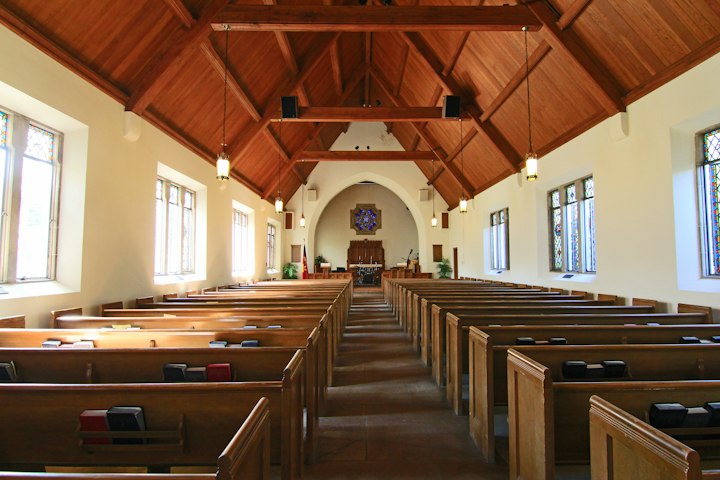
Community
Churches & places of worship
Bring entrances, gathering spaces, children's-area approaches, and multiple campuses into a shared incident-review workflow for authorized teams.
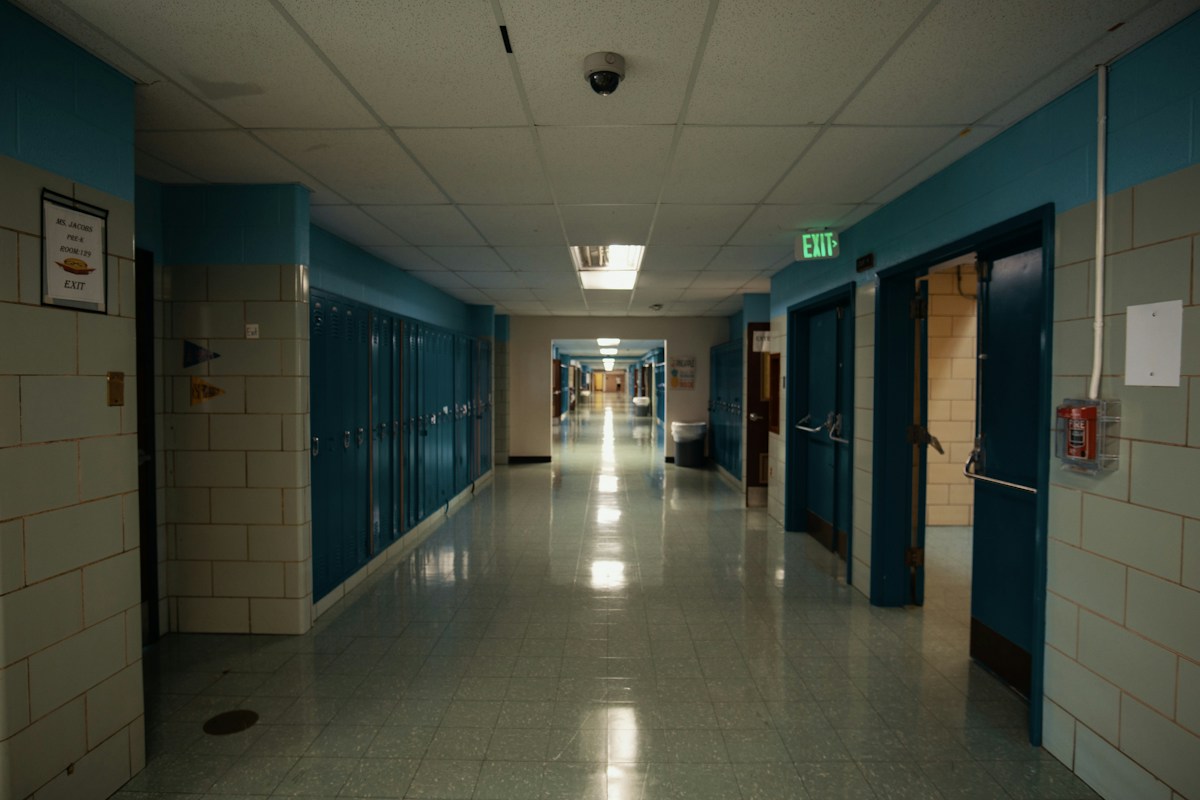
Community
Schools & childcare
Bring school entrances, corridors, playgrounds, and shared spaces into one place for authorized staff to review incidents and coordinate a response.
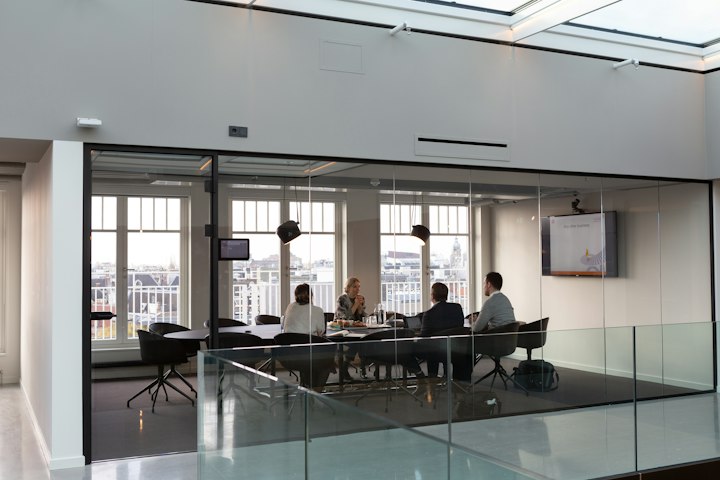
Commercial
Offices & professional services
Connect receptions, shared work areas, access events, and multiple offices with a clearer record for workplace security teams.
BUILD WITH BLACKSIGHT
Bring your next
project into view.
We're building for dealer-led installations. Tell us about your locations, existing cameras, and the workflow that matters first.
Join the partner conversation